![Cadmes Bechtle logo orange-white -transparant.png]](https://support.cadmes.com/hs-fs/hubfs/Cadmes%20Bechtle%20logo%20orange-white%20-transparant.png?height=50&name=Cadmes%20Bechtle%20logo%20orange-white%20-transparant.png)
First, it's important to determine who should be the platform administrator. This person will automatically receive a user license (the 3DSwymer role), which is permanently assigned to their name for 30 days.
So, if you don't want to be both administrator and user, forward this email to your colleague to activate it.
-
Find the email with the text "Your 3DEXPERIENCE platform is ready" from donotreply.emear.license-keys@3ds.com (this email is also included with the delivery).
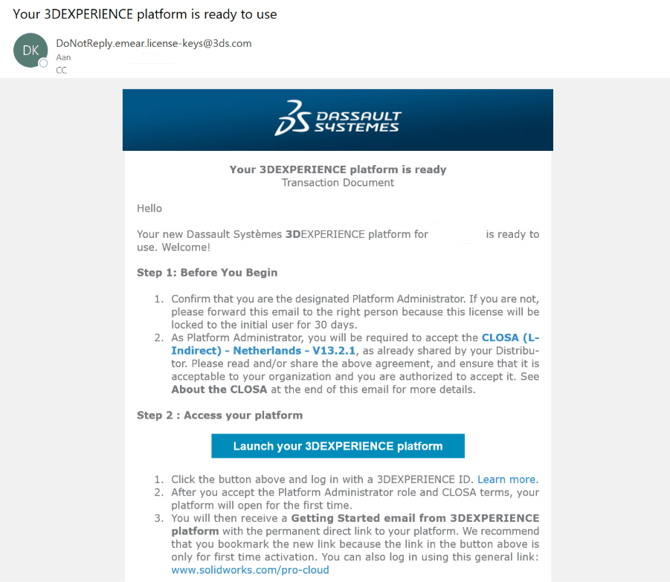
- Click the link "Launch your 3DEXPERIENCE platform."
- Log in with your 3DEXPERIENCE ID or create a new account.
- Accept the CUSTOMER LICENSE AND ONLINE SERVICE AGREEMENT (CLOSA).
- You are now the platform administrator.